FontNotes
Thousands of fonts
Browse and download new styles in-app, or bring in your own.
Style Your
Thoughts
Every note starts the same way: a blank page. FontNotes gives you the pen. Write in fonts that match your mood, your day, your idea. A quick thought gets a quick scribble. A big dream gets to look big. Browse thousands of fonts, customize borders and colors, and make every note feel unmistakably yours.


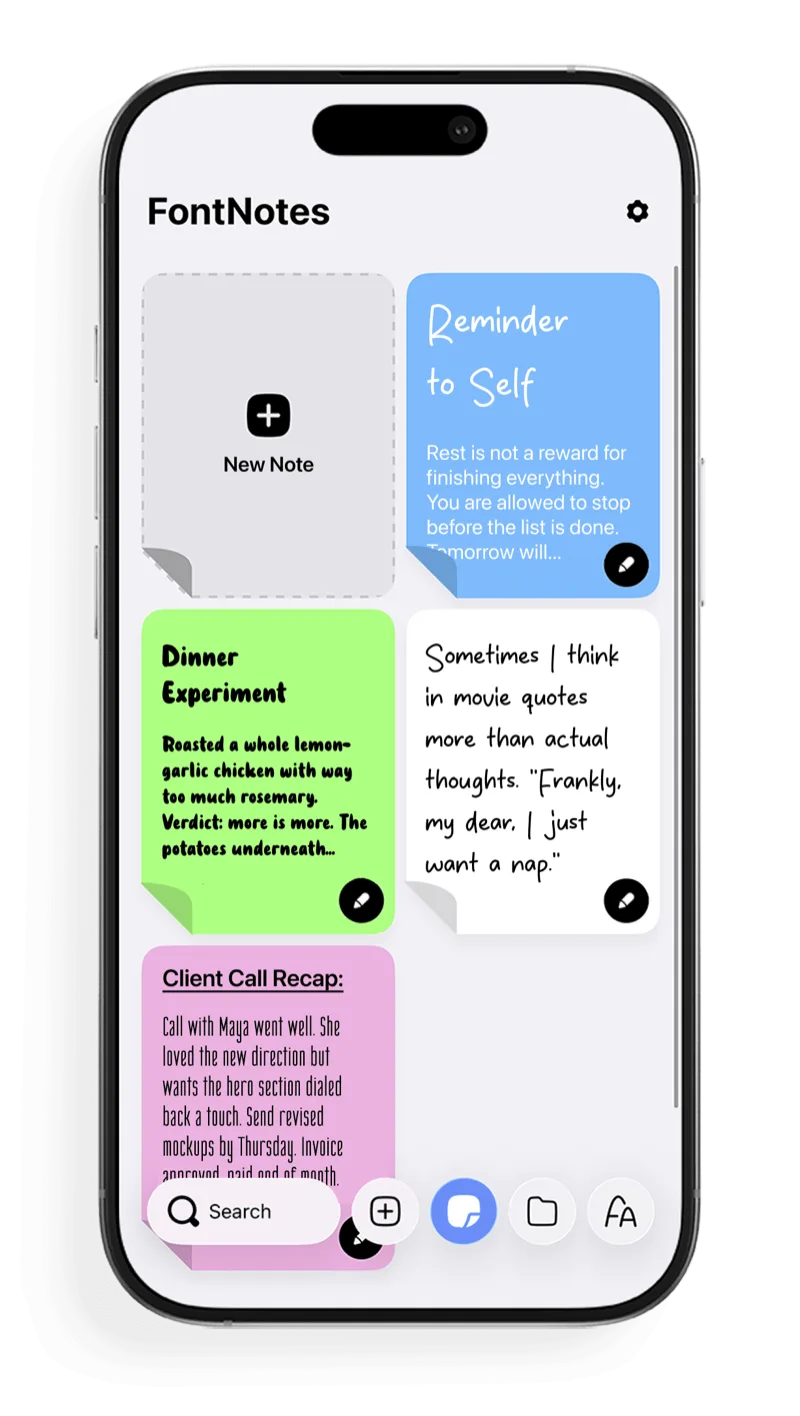
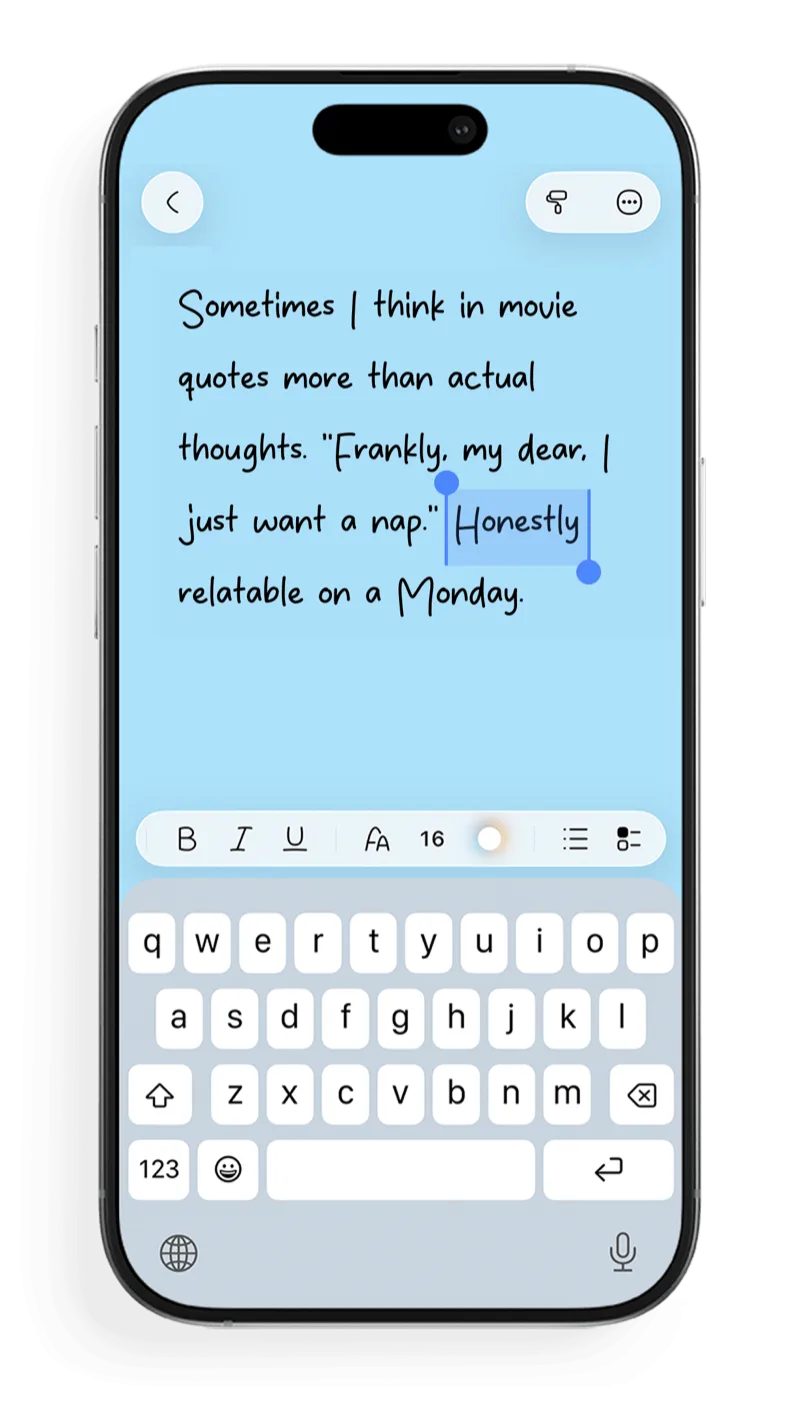
Why should every note look the same? Pick a font that fits the moment and make your notes as expressive as your thoughts.
Browse and download new styles in-app, or bring in your own.
Borders, colors, and styles until it feels unmistakably yours.
Notes, lists, and checklists that keep their formatting, always.
Pin the notes that matter most right to your home screen.
Folders keep your world organized without slowing you down.
Face ID or a passcode keeps your notes for your eyes only.
Contrast, Text Size, and Bold Text controls, plus VoiceOver and Voice Control support.
iCloud keeps every note in sync, on every device.
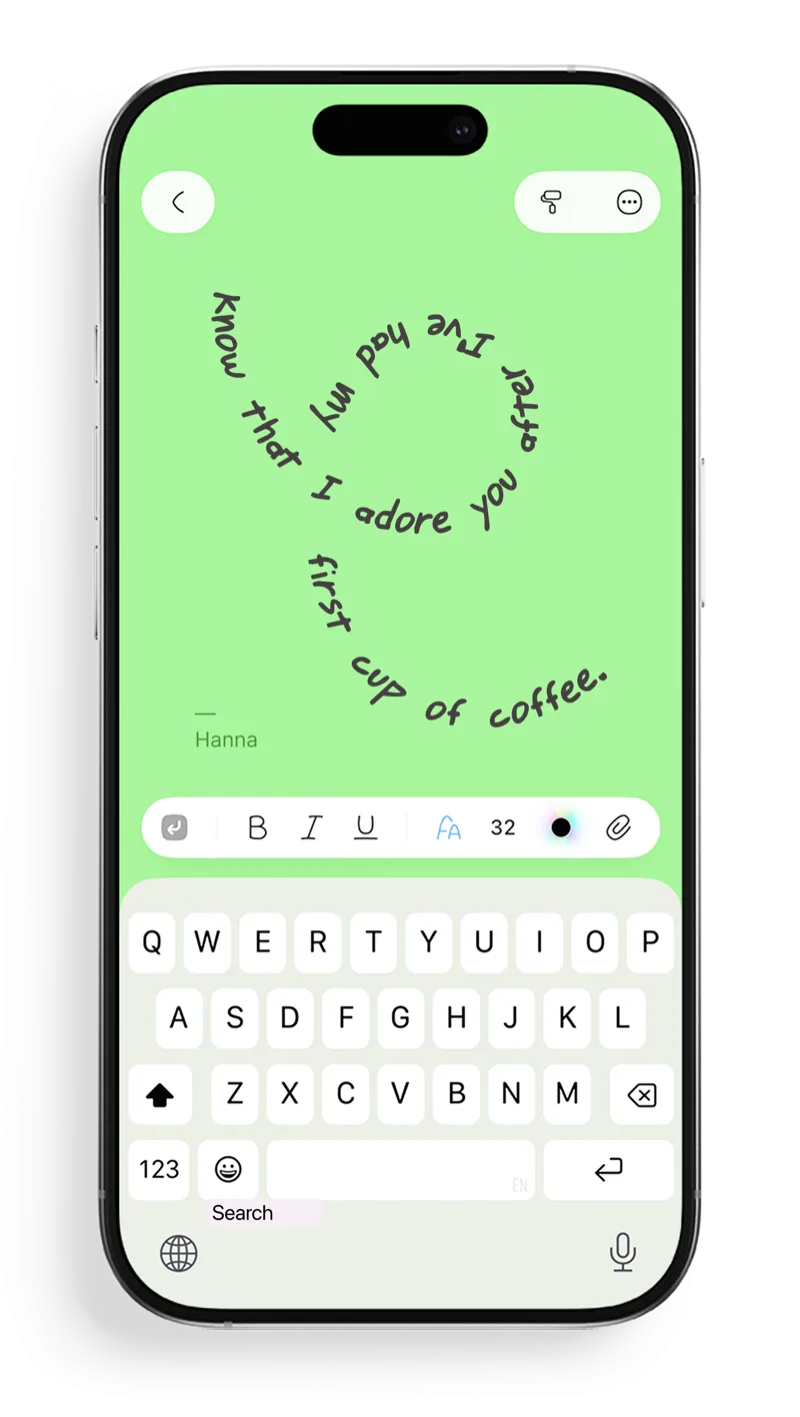
Your notes don't have to stay inside straight lines. Draw a freehand path on your note and watch your words flow right along it. Perfect for quotes, journaling, or any idea that needs a little shape.
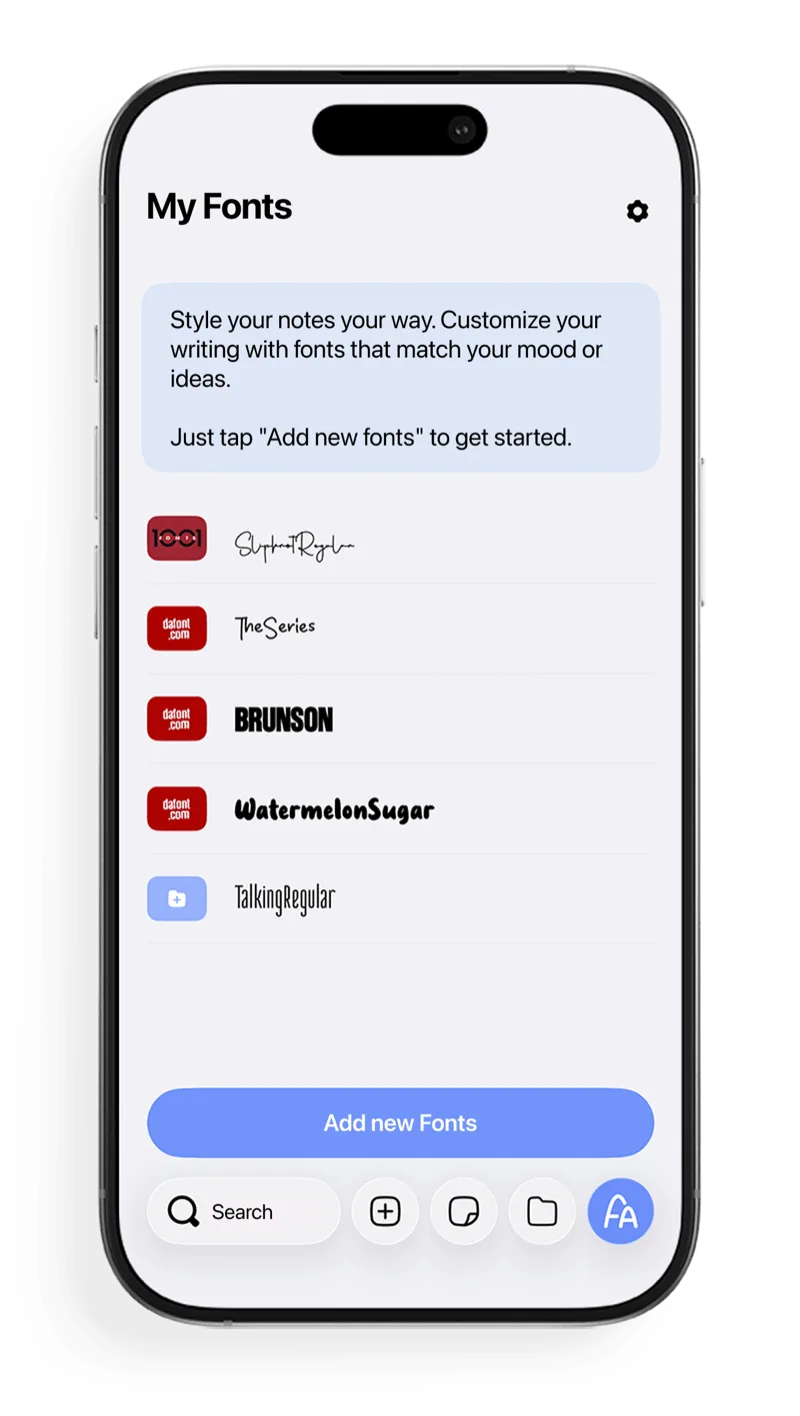
Customize your writing with cute journaling fonts and styles that match your mood or ideas. Browse thousands in-app, or import your own and keep them ready in My Fonts.
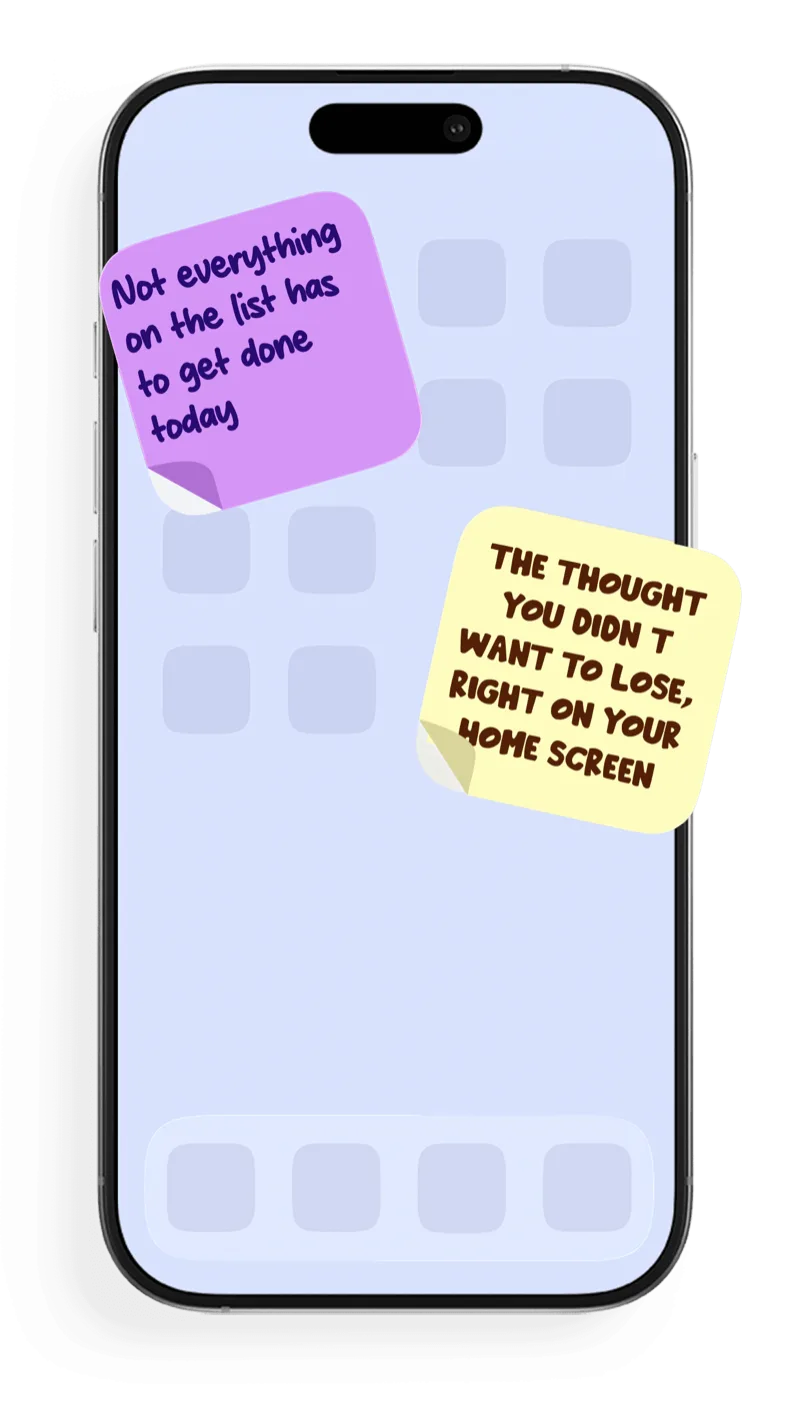
The thought you didn't want to lose belongs where you'll see it. Pin a note as a widget and keep it styled, fonts, colors, and all, right on your Home Screen.
Learn how to create expressive notes, import fonts, and keep styled writing on your Home Screen.
Write with thousands of fonts in FontNotes on iPhone, iPad, and Mac — including cute journaling fonts. Browse DaFont, Google Fonts, and 1001 Fonts, or upload your own font files.
Read the guideLearn how to add custom fonts to notes on iPhone and iPad with FontNotes. Browse font libraries or upload your own files, then use them in styled notes, lists, journals, and widgets.
Read the guideFontNotes is an aesthetic notes app for iPhone, iPad, and Mac. Create journals, planners, lists, and widgets with cute journaling fonts, colors, borders, and themes.
Read the guidePut notes on your iPhone or iPad Home Screen as small, medium, or large widgets while preserving custom fonts, colors, and styling.
Read the guideStraight answers about custom fonts, widgets, privacy, and syncing.
FontNotes is an aesthetic notes app for journaling on iPhone, iPad, and Mac. Browse cute journaling fonts and custom typefaces, then combine them with practical notes, lists, checklists, folders, and Home Screen widgets.
Yes. Browse, download, and use fonts from sites like DaFont and 1001 Fonts directly in the app, or import your own. No complex loading, folders, or setup required. Preview fonts and use a different style for every note.
Yes. Any note can become a small, medium, or large Home Screen widget while keeping its chosen fonts, colors, and style.
Yes. With Text to Path, you can draw a freehand path on your note and type along it. Rotate and scale the shape, use any font or color, and see the text update as you draw.
You can lock FontNotes with Face ID or a passcode. iCloud keeps notes synchronized across your Apple devices, and deleted notes can be restored for up to 30 days.
Plain notes are for people with plain thoughts. That's not you.FontNotes makes writing truly yours.